Lab 8: Timer-Based LED Blink
Instead of software delays (which block CPU), use hardware timers for precise, non-blocking timing. This is professional embedded practice.
Learning Objectives
By the end of this lab, you will:
- 🎯 Understand hardware timer operation
- 🎯 Configure timer prescalers and periods
- 🎯 Read status registers for timer events
- 🎯 Implement non-blocking timing
- 🎯 Apply interrupt-free timer polling
Prerequisites
- ✅ Complete Lab 1 (GPIO fundamentals)
- ✅ Understand register configuration
- ✅ Familiar with clock basics
Hardware Required
| Component | Details |
|---|---|
| Microcontroller | STM32F407VG (16MHz clock) |
| Timer | TIM2 (32-bit general-purpose timer) |
| LED | PD12 red LED |
Theory: Hardware Timers
Why Use Timers?
Software delays (Lab 1):
  while (running) {
     CPU busy looping ← Wasting CPU cycles
  }

Timer-based (Lab 8):
  Configure timer → Start → CPU free for other tasks
                         → Timer counts independently
TIM2 Configuration
TIM2 Features:
- 32-bit counter (0 to 4,294,967,295)
- Programmable prescaler (PSC)
- Programmable auto-reload (ARR)
- Status register with overflow flag

Clock Path:
CPU Clock (16 MHz)
  ↓
PSC divider (0 to 65535)
  ↓
Counting clock
  ↓
ARR reload (1 to 65535)
  ↓
Overflow flag / interrupt
Calculation
Desired timing: 1 second
CPU clock: 16 MHz = 16,000,000 Hz

Setup:
- PSC = 16000 - 1 → Divide by 16000 → 1 kHz counter
- ARR = 1000 - 1  → Reload at 1000 → Timer overflows every 1 second

Overflow frequency = Clock / (PSC + 1) / (ARR + 1)
                   = 16,000,000 / 16,000 / 1,000
                   = 1 Hz (once per second)
Demo
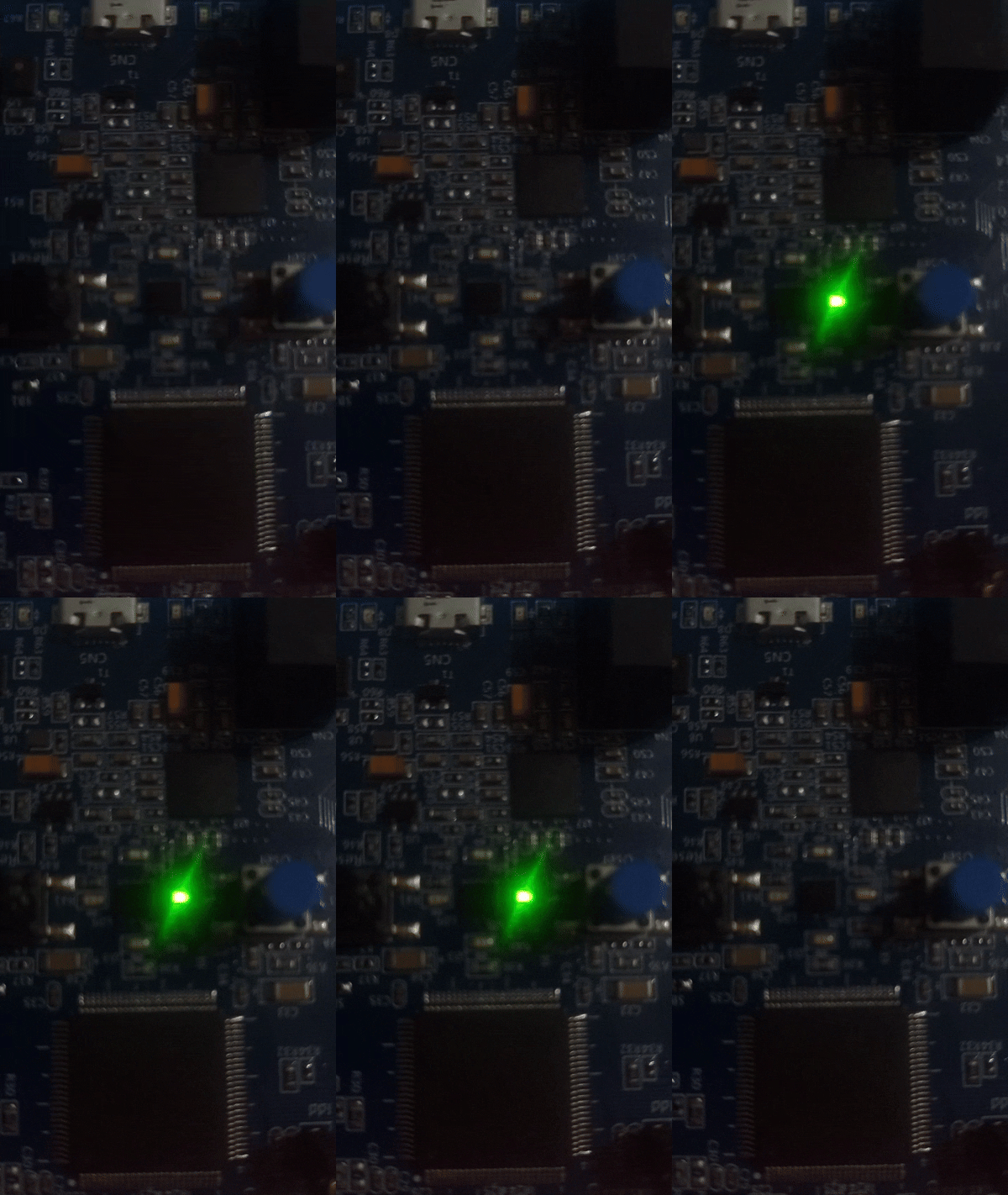
Precise LED blinking controlled by hardware timer
Complete Code
#define RCC_BASE 0x40023800UL
#define RCC_AHB1ENR *(volatile unsigned int*)(RCC_BASE + 0x30U)
#define RCC_APB1ENR *(volatile unsigned int*)(RCC_BASE + 0x40U)

#define GPIO_D_BASE 0x40020C00UL
#define GPIOD_MODER *(volatile unsigned int*)(GPIO_D_BASE + 0x00U)
#define GPIOD_ODR   *(volatile unsigned int*)(GPIO_D_BASE + 0x14U)

#define TIM2_BASE 0x40000000UL
#define TIM2_CR1  *(volatile unsigned int*)(TIM2_BASE + 0x00U)
#define TIM2_SR   *(volatile unsigned int*)(TIM2_BASE + 0x10U)
#define TIM2_CNT  *(volatile unsigned int*)(TIM2_BASE + 0x24U)
#define TIM2_PSC  *(volatile unsigned int*)(TIM2_BASE + 0x28U)
#define TIM2_ARR  *(volatile unsigned int*)(TIM2_BASE + 0x2CU)

int main(void) {
    // Enable GPIO clock
    RCC_AHB1ENR |= (1U << 3);

    // Configure PD12 as output
    GPIOD_MODER &= ~(3U << 24);
    GPIOD_MODER |= (1U << 24);

    // Enable TIM2 clock
    RCC_APB1ENR |= (1U << 0);

    // Configure timer for 1 second overflow
    // Clock: 16 MHz
    // PSC: 16000-1 → Divide to 1 kHz (each count = 1ms)
    TIM2_PSC = 16000 - 1;

    // ARR: 1000-1 → Count to 1000 = 1 second
    TIM2_ARR = 1000 - 1;

    // Start timer (set CEN bit)
    TIM2_CR1 |= (1 << 0);

    while (1) {
        // Check if timer overflowed (UIF = Update Interrupt Flag)
        if (TIM2_SR & (1 << 0)) {
            // Clear the flag
            TIM2_SR &= ~(1 << 0);

            // Toggle LED
            GPIOD_ODR ^= (1U << 12);
        }
    }

    return 0;
}
Algorithm
Setup Phase:
  ├─ Enable RCC clock for GPIOD and TIM2
  ├─ Configure PD12 as output
  ├─ Set PSC = 16000-1 (divides 16MHz to 1kHz)
  ├─ Set ARR = 1000-1 (timer overflows every 1000 counts)
  └─ Start timer (CR1.CEN = 1)

Loop Phase:
  while (true):
    ├─ Check TIM2_SR bit 0 (overflow flag)
    ├─ If set:
    │  ├─ Clear flag (prevent re-entry)
    │  └─ Toggle LED
    └─ Continue checking (non-blocking)
Expected Output
LED Behavior:
├─ Blinks precisely every 1 second
├─ No CPU utilization in delays
├─ Can run other code while timer counts
└─ Rock-solid timing
Common Mistakes
| Issue | Solution |
|---|---|
| Timer doesn't work | Enable APB1 clock for TIM2 |
| LED doesn't toggle | Check SR flag reading and clearing |
| Wrong timing | Recalculate PSC and ARR for your clock |
| Flag never sets | Verify timer started (CR1.CEN = 1) |
Key Takeaways
✨ Important:
- Hardware timers are independent of CPU
- PSC + ARR determine overflow time
- Check and clear status flags in loop
- Non-blocking - CPU free for other tasks
- Professional approach in embedded systems
Challenge Exercises
Challenge 1: Variable Speed
Use button to change blink speed (fast/normal/slow).
Challenge 2: Multiple Timers
Use TIM3 and TIM4 for different blink rates on different LEDs.
Challenge 3: PWM LED Control
Configure timer in PWM mode to control LED brightness.
Next Steps
🚀 Ready for Lab 9? Learn external interrupts using hardware buttons and interrupt handlers!
Prerequisites for Lab 9: Timer understanding, Interrupt basics