Lab 6: Buzzer Control (Basic)
Learn to control an active buzzer by toggling GPIO at specific frequencies. This introduces audio output and timing-based pulse generation.
Learning Objectives
By the end of this lab, you will:
- 🎯 Understand active vs passive buzzers
- 🎯 Generate sound through GPIO toggling
- 🎯 Control buzzer frequency via delay timing
- 🎯 Implement pulse patterns for different tones
- 🎯 Create simple beep sequences
Prerequisites
- ✅ Complete Lab 1 (GPIO output control)
- ✅ Understand delays and timing
- ✅ Familiar with loops
Hardware Required
| Component | Details |
|---|---|
| Microcontroller | STM32F407VG |
| Buzzer | Active buzzer module on I/O pin |
| Connection | GPIO pin to buzzer (typically through resistor) |
| Power | Buzzer typically 5V or 3.3V |
Theory: How Buzzers Work
Active vs Passive
Active Buzzer:
- Has built-in oscillator
- Just toggle GPIO ON/OFF → makes sound
- Frequency determined by toggle speed
- Easier to use (our case)
Passive Buzzer:
- No internal oscillator
- Need to generate frequency
- More control, more complex
Sound Generation
GPIO state over time:
┌─ Toggle ON:  Pin = 3.3V → Buzzer energizes → BEEP
├─ Toggle OFF: Pin = 0V   → Buzzer de-energizes → Silence
├─ Repeat
└─ Toggle rate determines frequency (pitch)

Faster toggle (short delay)  → Higher pitch
Slower toggle (long delay)  → Lower pitch
Demo
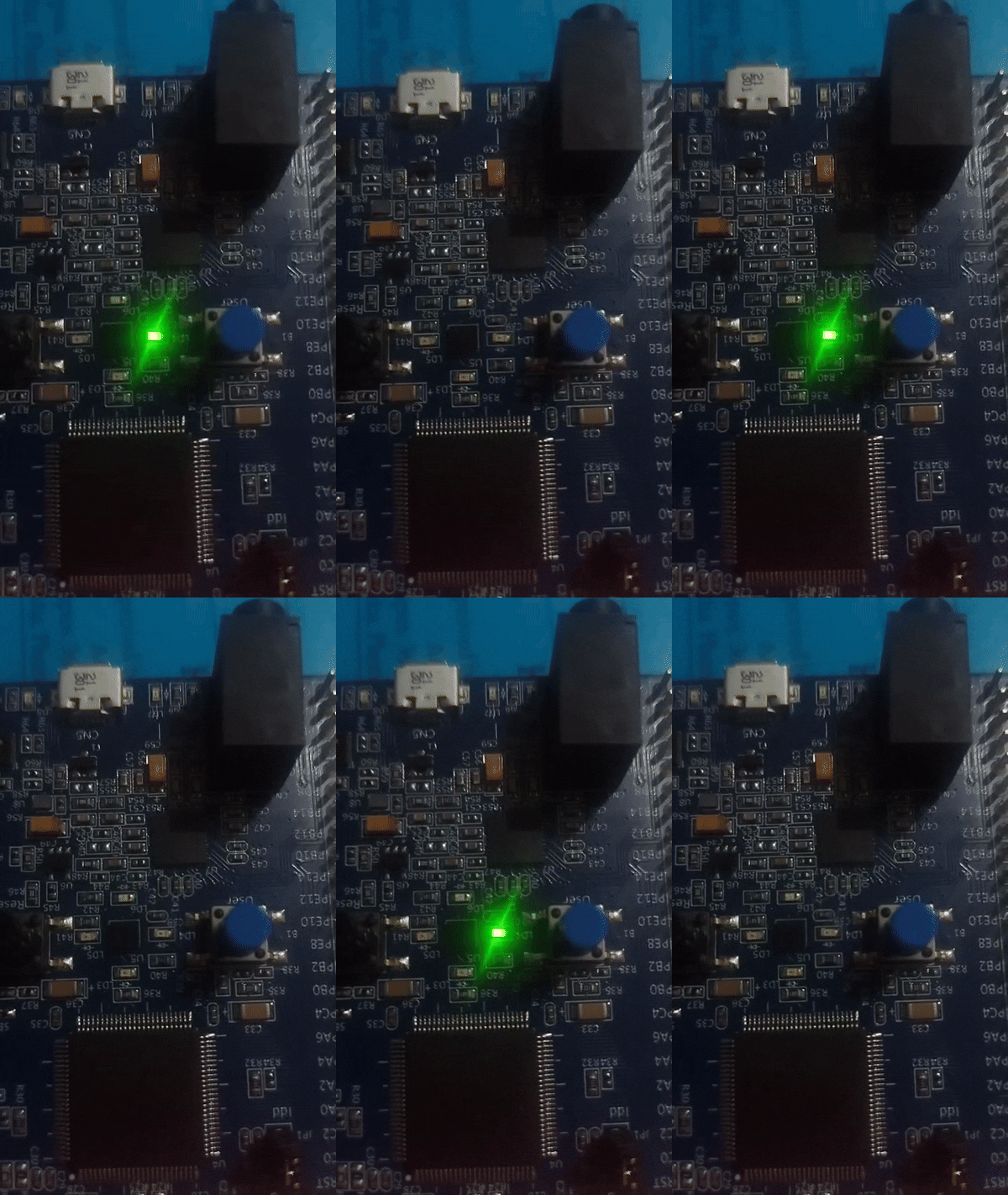
Listen to different frequencies: high pitch, medium pitch, low pitch
Complete Code
#define RCC_BASE 0x40023800UL
#define RCC_AHB1ENR *(volatile unsigned int*)(RCC_BASE + 0x30U)

#define GPIO_D_BASE 0x40020C00UL
#define GPIOD_MODER *(volatile unsigned int*)(GPIO_D_BASE + 0x00U)
#define GPIOD_ODR   *(volatile unsigned int*)(GPIO_D_BASE + 0x14U)

void delay(int t) {
    for (volatile int i = 0; i < t; i++);
}

void buzz_tone(int delay_value, int duration) {
    // Generate tone for specified duration
    for (int i = 0; i < duration; i++) {
        // Toggle ON
        GPIOD_ODR |= (1U << 12);
        delay(delay_value);

        // Toggle OFF
        GPIOD_ODR &= ~(1U << 12);
        delay(delay_value);
    }
}

int main(void) {
    // Enable GPIOD
    RCC_AHB1ENR |= (1U << 3);

    // PD12 as output
    GPIOD_MODER &= ~(3U << 24);
    GPIOD_MODER |= (1U << 24);

    while (1) {
        // High pitch (short delay = fast toggle)
        buzz_tone(200, 500);

        delay(1000000);  // Silence gap

        // Medium pitch
        buzz_tone(600, 500);

        delay(1000000);  // Silence gap

        // Low pitch (long delay = slow toggle)
        buzz_tone(1200, 500);

        delay(1000000);  // Silence gap
    }

    return 0;
}
Algorithm
buzz_tone(delay_value, duration):
  for i = 0 to duration:
    ├─ Pin HIGH
    ├─ Delay for delay_value
    ├─ Pin LOW
    ├─ Delay for delay_value
    └─ (Loop creates square wave)

Smaller delay_value → faster toggle → higher pitch
Larger delay_value  → slower toggle → lower pitch
Duration controls how long tone plays
Expected Output
Timeline:
├─ t=0s:   High pitch beep for ~1 second
├─ t=2s:   Medium pitch beep
├─ t=4s:   Low pitch beep
├─ t=6s:   Silence, then repeat
Audible: Clearly distinct three-tone pattern repeating.
Understanding Delay
- delay(200): ~200 loop iterations → HIGH 200 iterations + LOW 200 iterations → ~400 total → fast toggle → high pitch
- delay(1200): ~1200 iterations → HIGH 1200 + LOW 1200 → ~2400 total → slow toggle → low pitch
Common Mistakes
| Issue | Solution |
|---|---|
| No sound | Verify GPIO pin is output, buzzer powered |
| Sound too quiet | Check power supply to buzzer |
| Wrong pitch | Adjust delay value (smaller = higher pitch) |
| Buzzer doesn't stop | Not toggling OFF, check &= ~(1 << 12) |
Key Takeaways
✨ Remember:
- Active buzzers only need GPIO ON/OFF toggling
- Toggle frequency determines pitch
- Shorter delay = higher pitch, longer delay = lower pitch
- 50% duty cycle (equal ON/OFF time) creates square wave
- Frequency = 1 / (2 × delay_time)
Challenge Exercises
Challenge 1: Musical Scale
Generate 8 different pitches (C, D, E, F, G, A, B, C).
Challenge 2: Melody
Play a simple melody (e.g., "Mary Had a Little Lamb").
Challenge 3: Button Control
Add button to start/stop buzzer or change pitch.
Next Steps
🚀 Ready for Lab 7? Learn tone generation with variable frequencies for musical applications!
Prerequisites for Lab 7: Buzzer control, Understanding frequency/pitch